A Closer Look at Our New Welding Data Logger | Welping Product Training
- Share
- publisher
- RUBR
- Issue Time
- Nov 10,2026
Summary
Welping held an engineer-led training session on its new Android-based welding data logger, covering operation, multilingual support, storage for 10,000+ records, USB export, printing, and remote support. The wired version is now available for purchase, while wireless and fully external versions remain in development, with samples yet to be released.
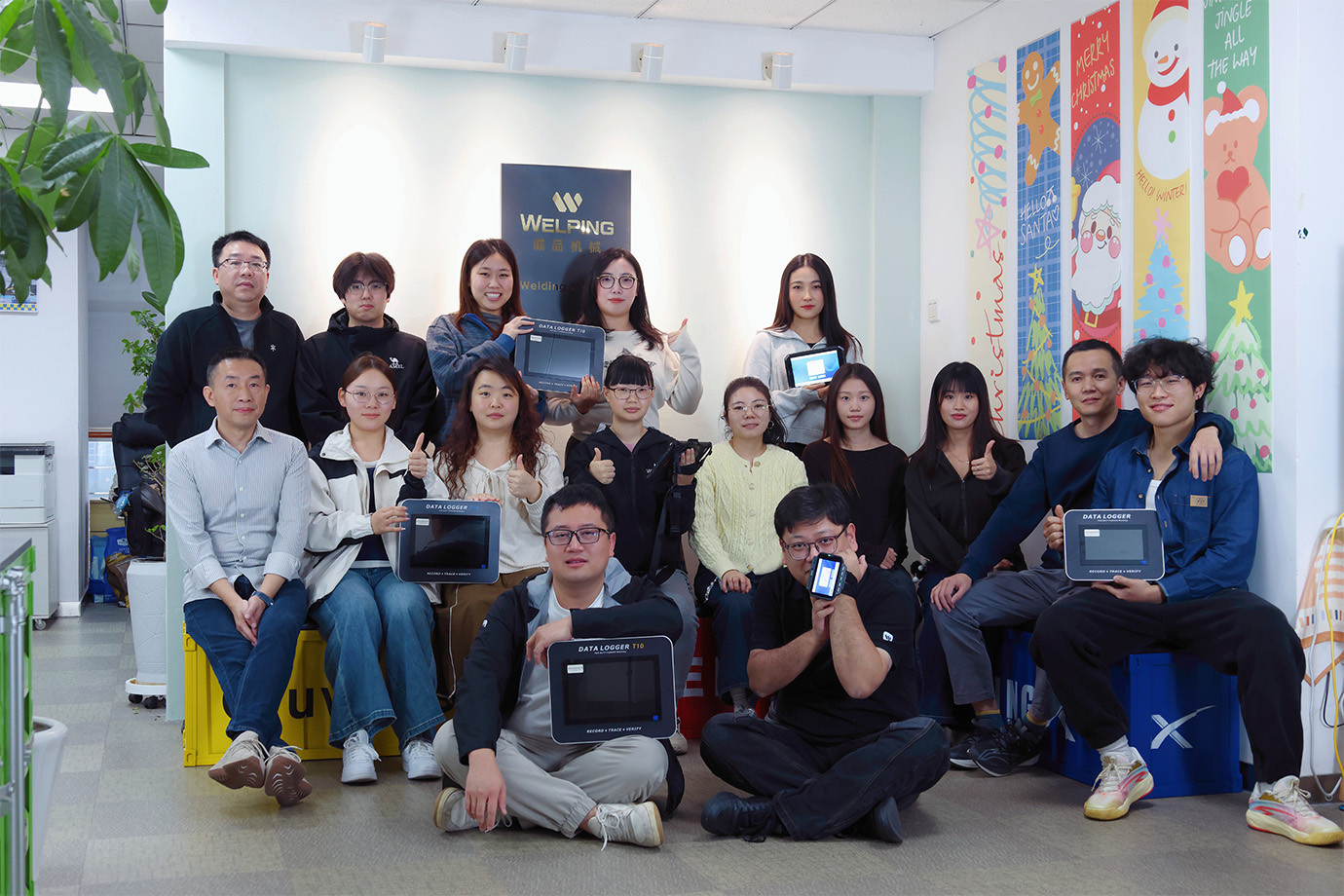
Last Friday, the Welping team held a product training and discussion session on our new welding data logger. Led by our engineer, the session covered product configurations, key functions, and operation, helping the team build the knowledge needed to support customers.
Wired Version Available Now, More Versions in Development
The wired version is now available for purchase. Wireless and fully external versions are also in development, with samples yet to be released. We will share further updates as development progresses.
The session focused on the available wired version, with our engineer explaining its operation and main functions while also introducing the development plans for the other versions.
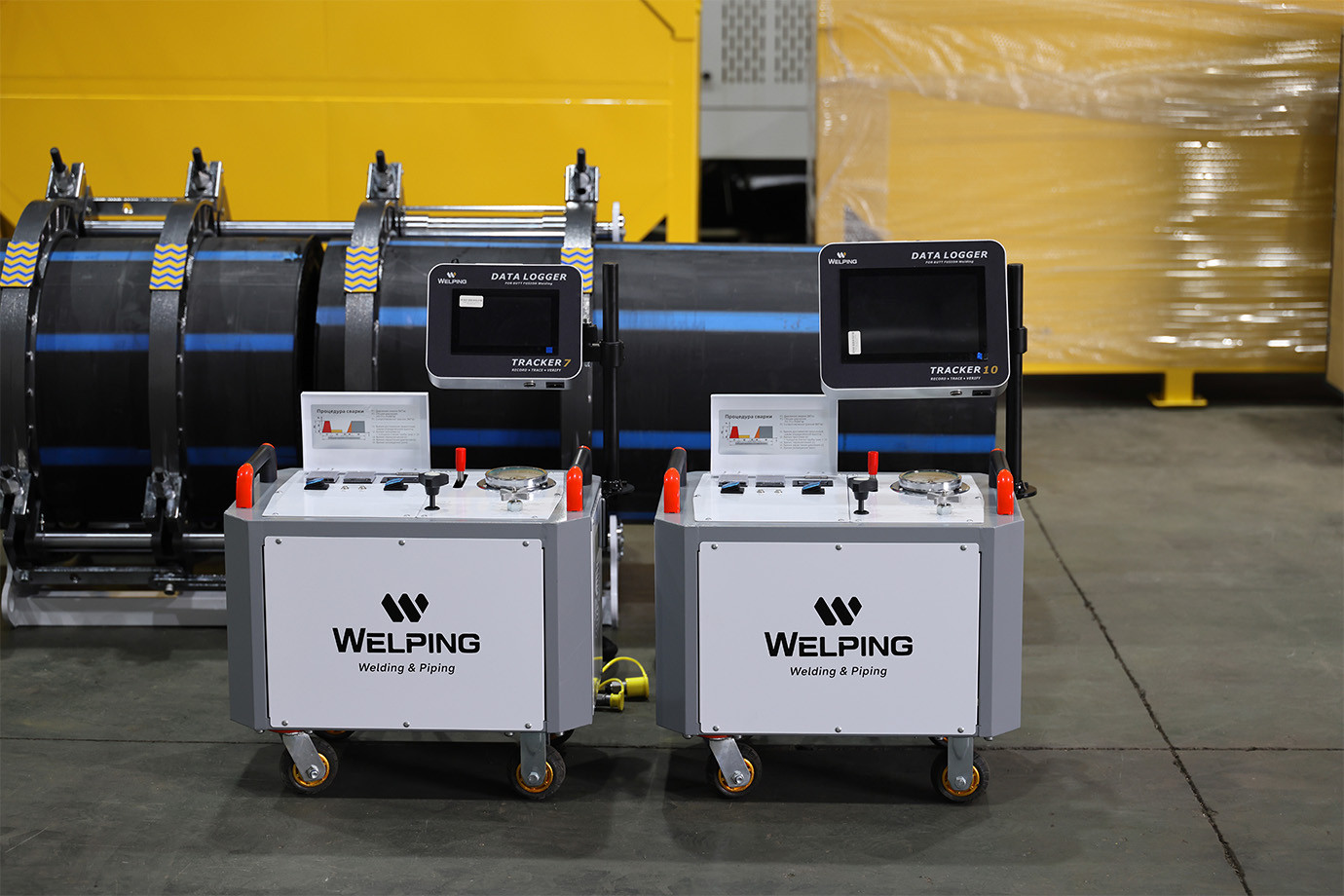
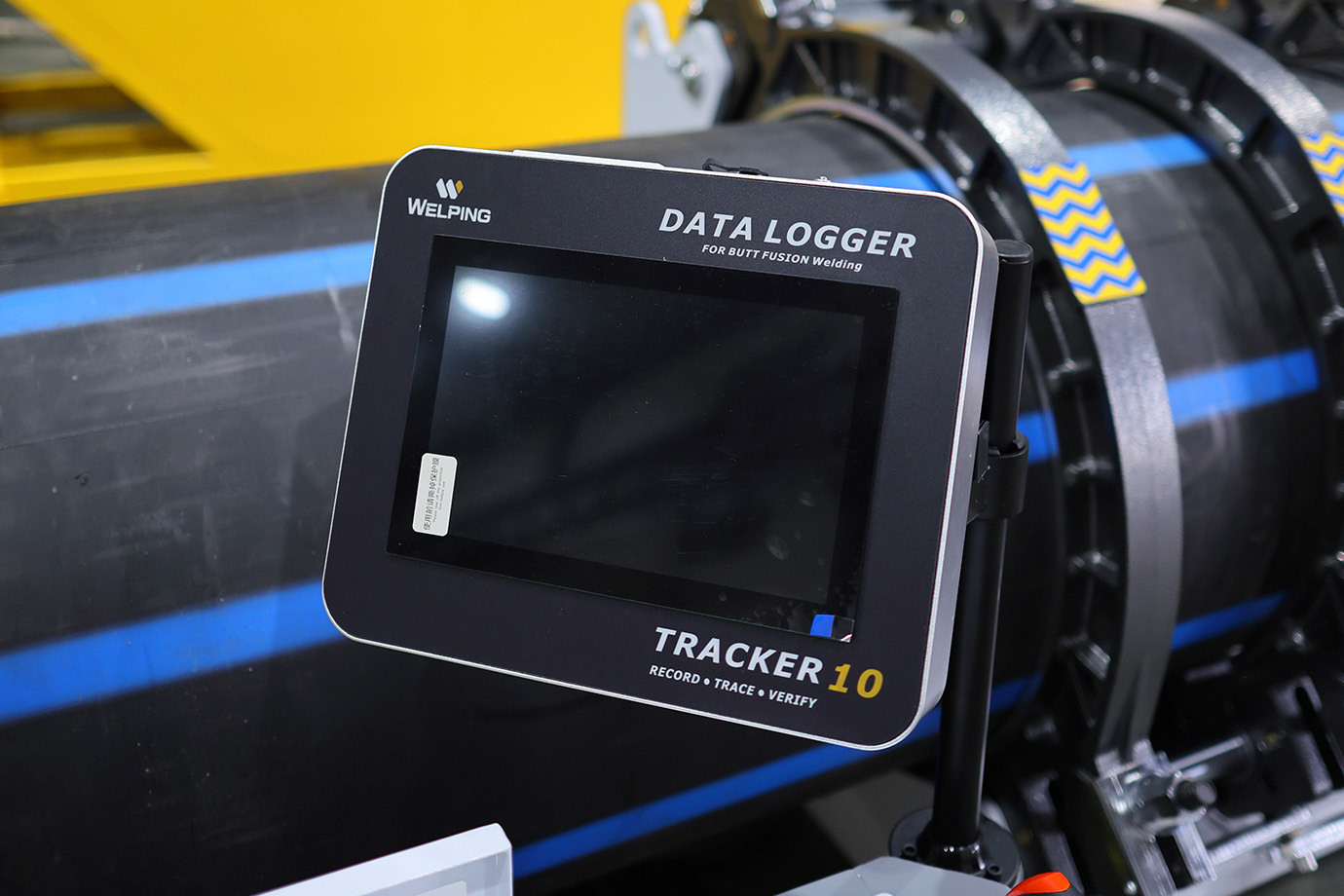
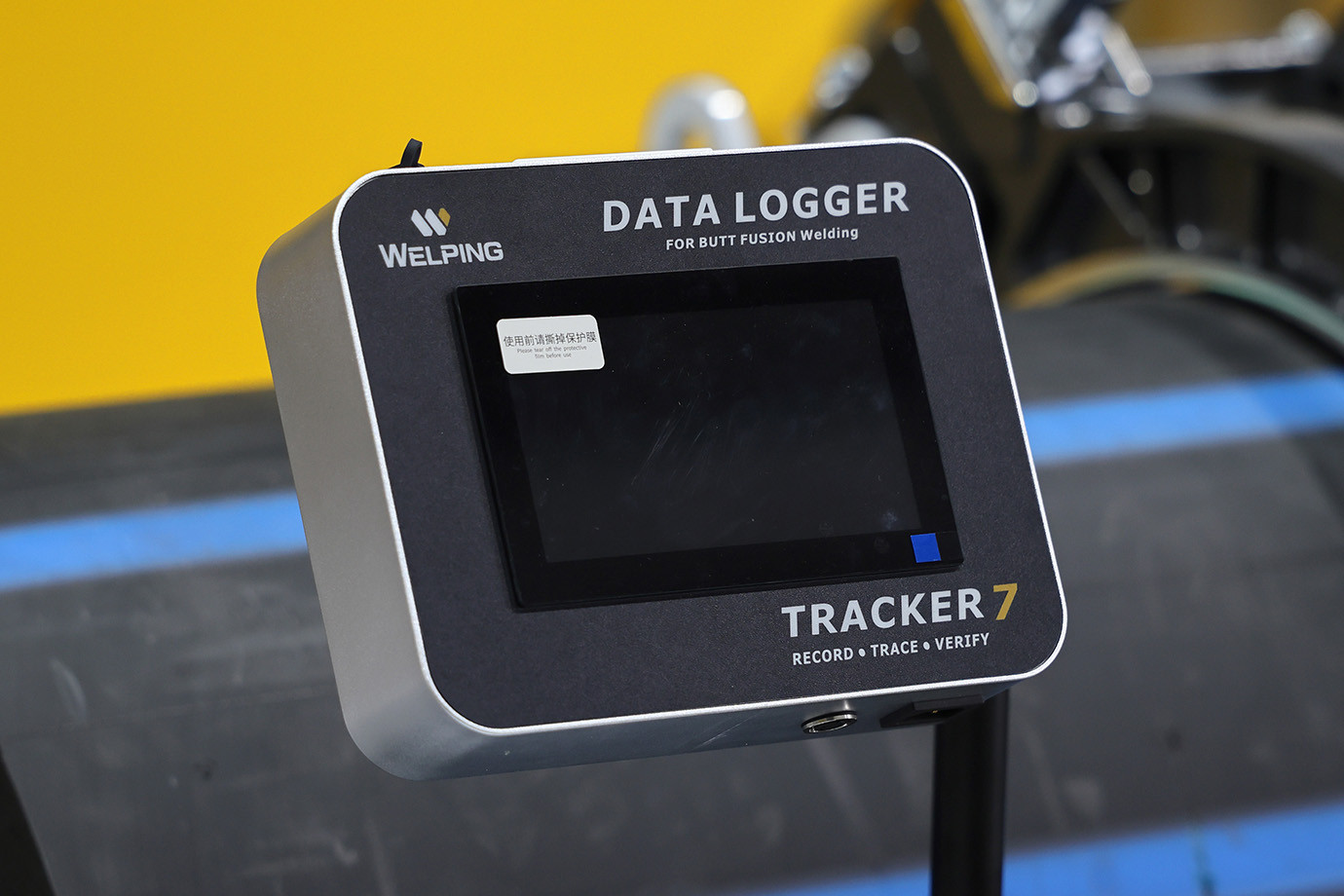
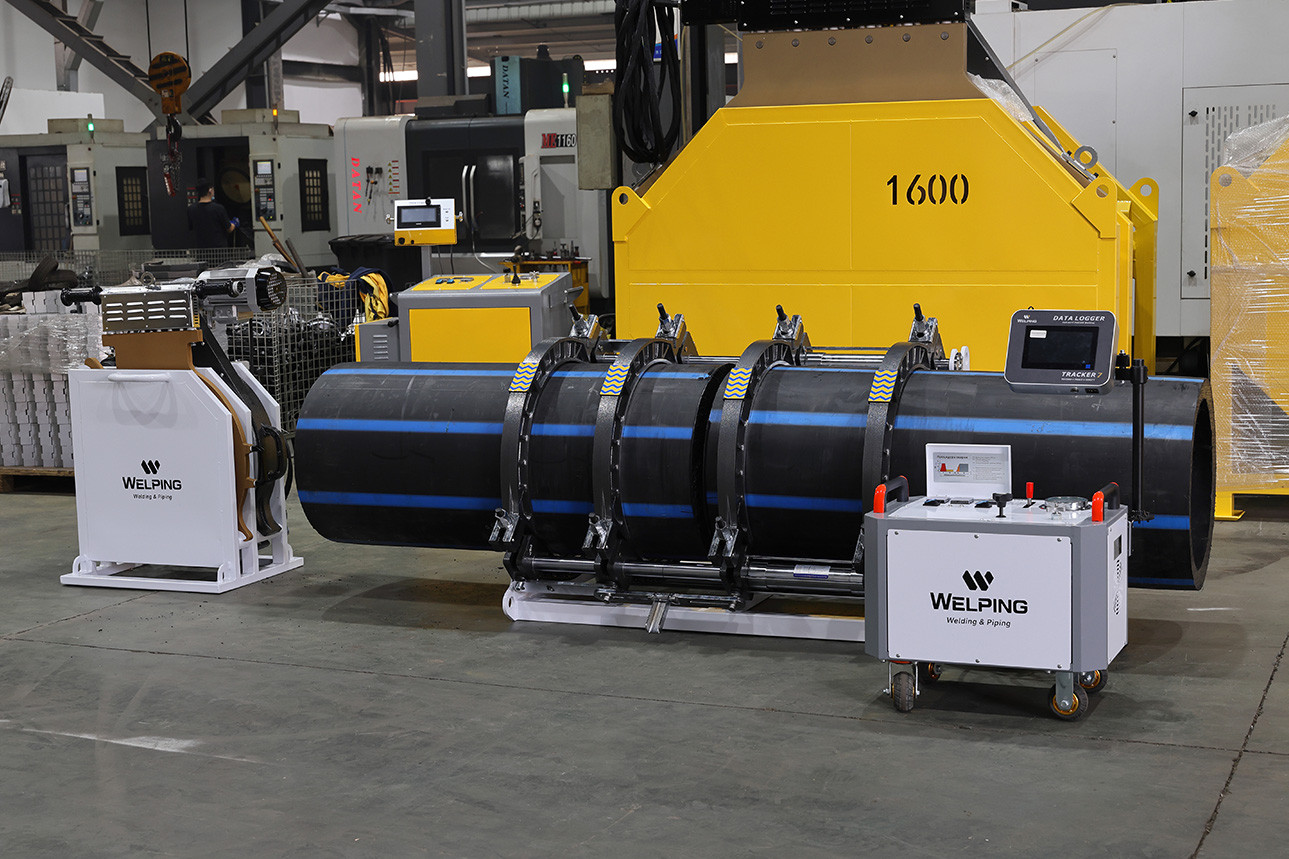
Supporting Welding Operations and Record Management
Built on Android, the new data logger supports online system updates for ongoing software improvements and maintenance. Its functions help users manage welding records, from storage and retrieval to export and printing.
Multiple Interface Languages
Users can switch between languages to suit their operating preferences.
Storage for 10,000+ Welding Records
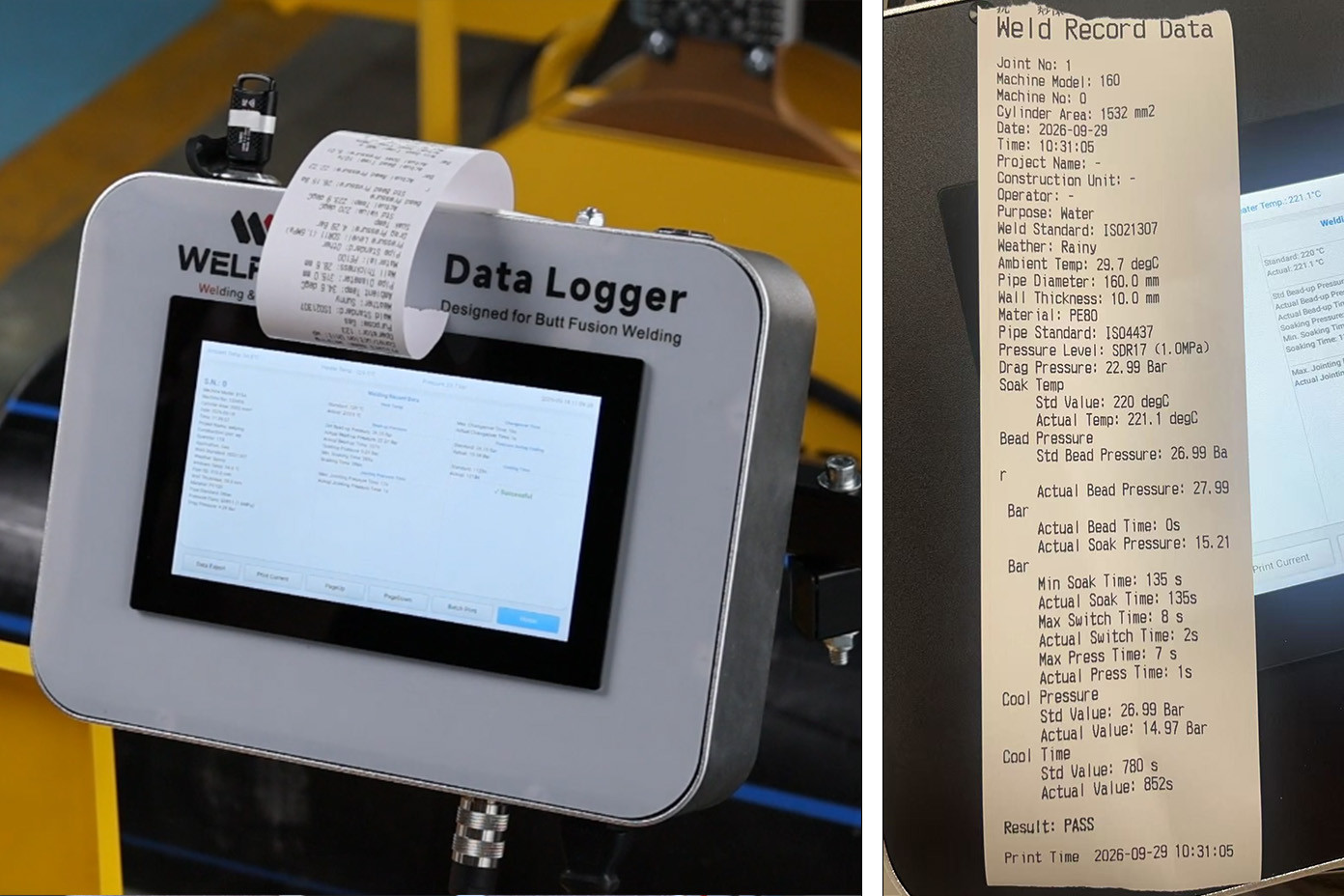
The system stores more than 10,000 welding records for convenient retrieval and management. We recommend exporting and backing up records regularly to preserve important project data.
Convenient USB Export
Welding records can be exported via USB for backup, archiving, and later review.
Flexible Printing Options
Print an individual record or multiple records in a batch to suit your documentation needs.
Guided Operation
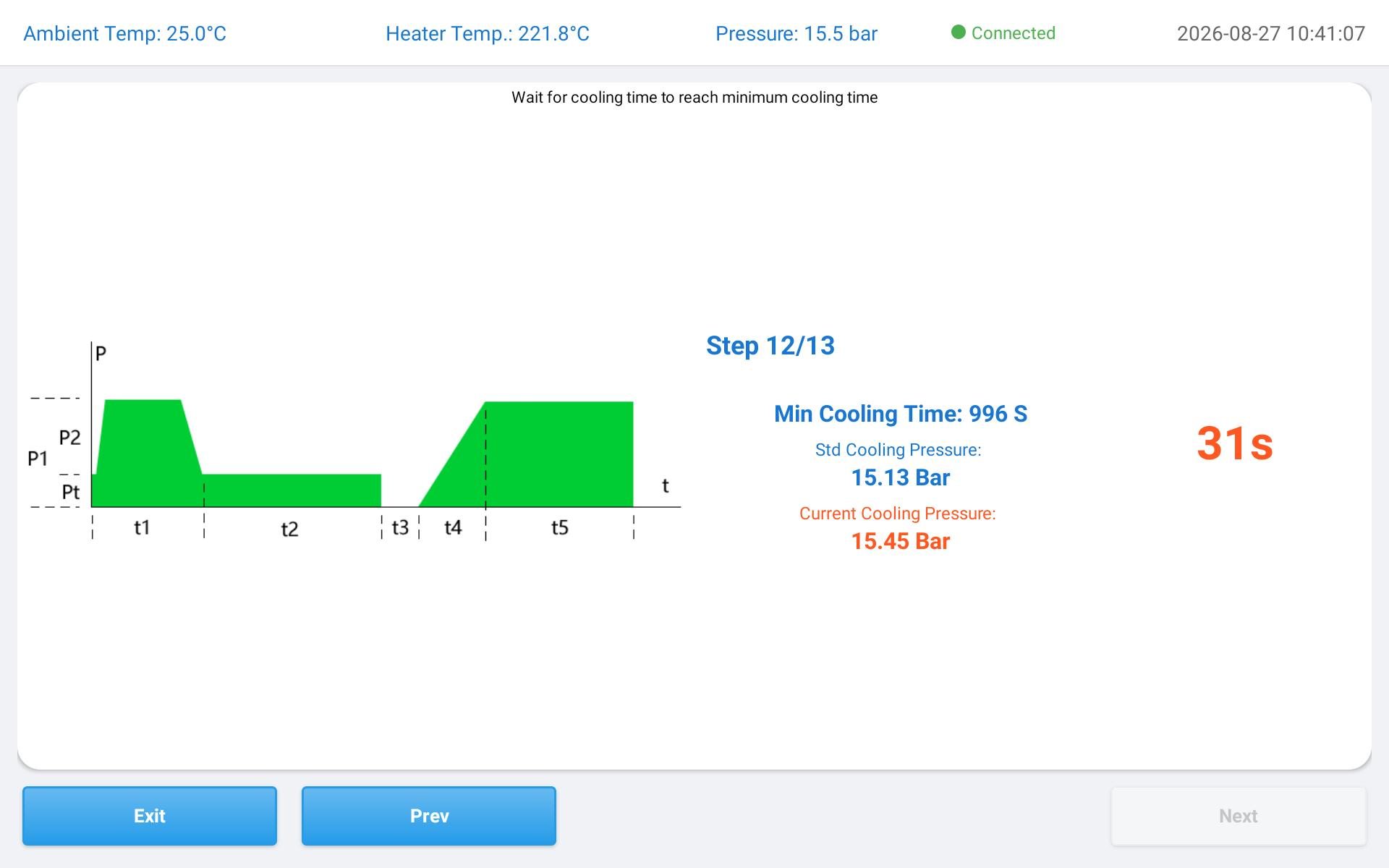
Step-by-step guidance helps new users follow the welding procedure and understand the inspection process.
Remote Technical Support
Online assistance is available for troubleshooting and equipment setup.
Custom Startup Screen
The startup screen can be customized to display your branding.
Building Product Knowledge to Better Support Customers
Through the engineer’s explanations and team discussion, participants gained a clearer understanding of the data logger’s functions and operation. This knowledge helps us explain the product more clearly, answer practical questions, and assist customers with configuration choices and day-to-day use.
If you are interested in the new welding data logger or would like to discuss the wired version’s configuration and compatibility, please contact our team. Stay tuned for updates on the wireless and fully external versions.
For more information about the available wired version, visit our Welding Data Logger product page.